How to Control Artwork Revisions in Multi-SKU Yard Sign Orders

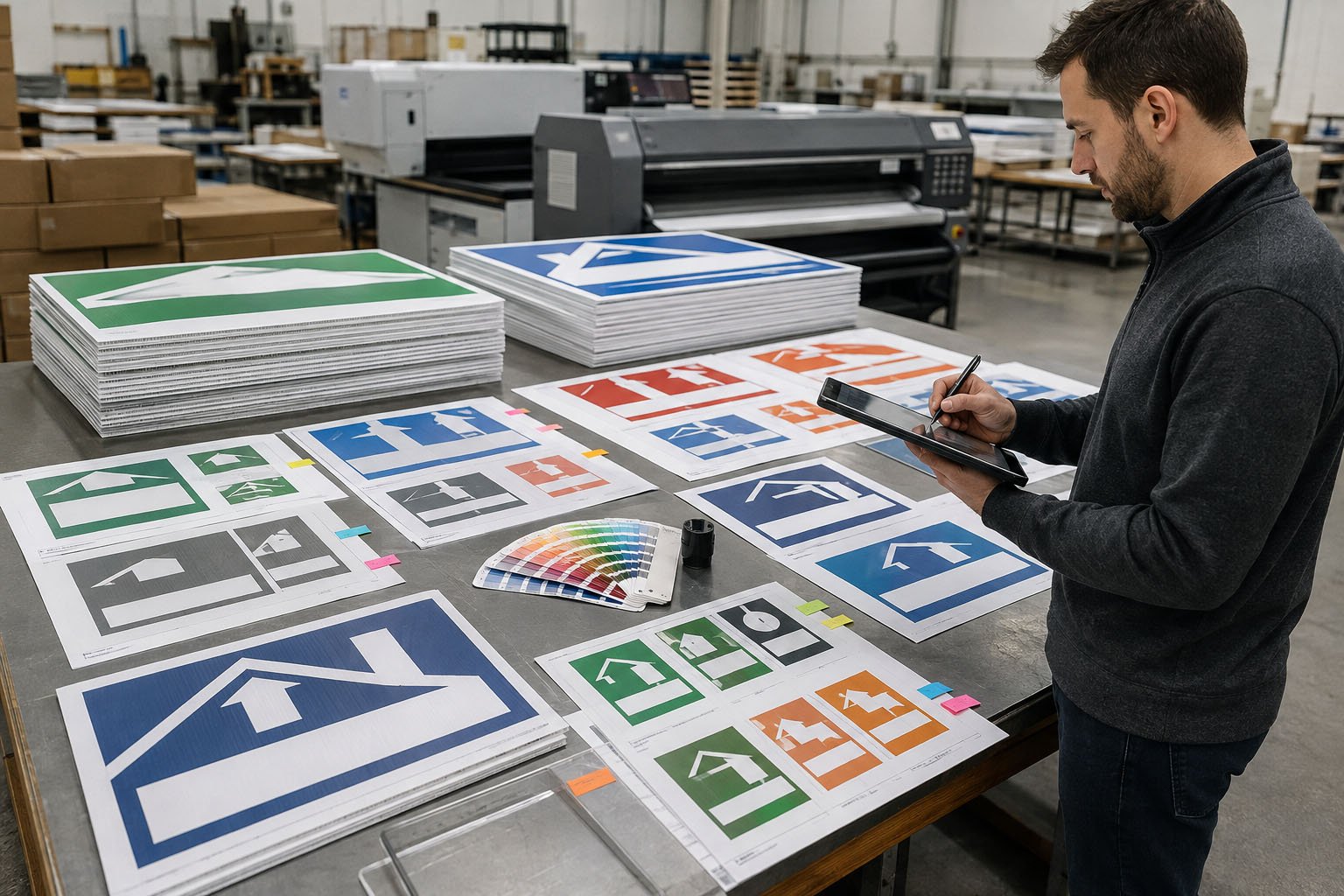
A national franchise campaign may use one master design but require different phone numbers, QR codes, promotional offers, languages, branch names, and delivery locations. A single uncontrolled artwork change can affect hundreds of signs and several departments.
An artwork revision control system connects each approved file to a unique SKU, revision number, order quantity, production status, packing instruction, and destination.
Quick answer: To control artwork revisions in a multi-SKU yard sign order, use one artwork register, assign a unique SKU and revision number to every printable design, define authorized approvers, separate technical preflight from commercial approval, establish a production-lock deadline, document late changes, and verify the revision again during printing, packing, and inspection.
Why Multi-SKU Yard Sign Orders Carry More Risk
A single-design order normally has one artwork file, one approved quantity, and one packing method. A multi-SKU order may contain dozens or hundreds of combinations.
Variables may include:
- Branch or dealer name
- Local phone number
- Website or landing page
- Unique QR code
- Promotional offer
- Campaign start and end dates
- Language
- Directional arrow
- Single-sided or double-sided printing
- Sign size
- Stake model
- Order quantity
- Carton label
- Delivery destination
The risk increases when artwork approvals are distributed across email threads, messaging applications, spreadsheets, and shared folders.
A file named final.pdf does not prove that the file is approved, current, or connected to the correct production quantity.
Create One Artwork Register
The buyer and supplier should use one controlled artwork register as the source of truth for the order.
The register should connect every design to:
- Purchase order number
- Customer SKU
- Supplier job number
- Artwork description
- Branch, market, or campaign
- Finished dimensions
- Printing sides
- Unique artwork file name
- Artwork revision number
- Approval status
- Approver name
- Approval date and time
- Production quantity
- Packing requirements
- Delivery destination
- Special instructions
The register should preserve revision history instead of overwriting previous records. Access to change approval status should be limited to authorized team members.
Buyer note: The artwork register should control production, but it should not replace the approved artwork file. Each register entry must point to one exact file, not merely describe what the design is supposed to contain.
Use Unique File Names and Revision Numbers
Artwork file names should allow a production employee to identify the design without opening several similar files.
A practical naming format may include:
- Customer or campaign code
- Location or SKU code
- Sign size
- Printing orientation
- Language or market
- Revision number
For example:
HOMECARE-ATLANTA-18X24-DS-V03.pdf
This file name identifies the campaign, branch, dimensions, double-sided printing, and revision.
Avoid file names such as:
- final.pdf
- final-new.pdf
- final-approved-2.pdf
- latest-version.pdf
- use-this-one.pdf
These names may be understandable to the person who created them, but they do not provide reliable production control.
Use Clear Artwork Statuses
Every artwork version should have one controlled status.
| Status | Meaning | Production Allowed? |
|---|---|---|
| Draft | The file is still being created or reviewed internally. | No |
| Supplier Preflight | The supplier is checking dimensions, bleed, resolution, fonts, and print readiness. | No |
| Buyer Review | The buyer is reviewing commercial, legal, brand, and local information. | No |
| Approved for Production | An authorized buyer has approved the exact file and production scope. | Yes |
| Superseded | A newer approved revision has replaced this version. | No |
| Cancelled | The design or order requirement has been withdrawn. | No |
Only one clearly defined status should authorize production. A file that has been reviewed, commented on, or acknowledged is not necessarily approved for printing.
Separate Technical Preflight from Buyer Approval
Supplier preflight and buyer approval serve different purposes.
Supplier Technical Preflight
The supplier should check whether the file can be produced correctly.
Preflight may include:
- Finished dimensions
- Artwork bleed
- Safe area
- Image resolution
- Embedded or outlined fonts
- Linked images
- Transparency and special effects
- Color mode
- Small text
- Line thickness
- QR-code size and quiet zone
- Double-sided orientation
- Cutting outline
- Stake and flute direction
Buyer Commercial Approval
The buyer should confirm whether the information is correct for the intended campaign.
Buyer review may include:
- Company and brand name
- Logo version
- Phone number
- Website
- QR-code destination
- Offer and pricing information
- Campaign dates
- Branch name
- Local licensing information
- Required disclaimer
- Language
- Destination assignment
The supplier can identify a low-resolution logo, but the supplier may not know whether a local phone number or promotional offer is correct. The buyer can confirm the offer, but may not recognize that the file has insufficient bleed.
Both review steps are necessary.
For artwork preparation requirements, review how to prepare artwork files for custom yard sign printing.
Define Who Is Authorized to Approve Artwork
An approval such as “looks good” is risky when the sender, file, revision, quantity, and approval scope are unclear.
The artwork workflow should define:
- Who can submit new artwork
- Who can request corrections
- Who can approve technical changes
- Who can approve commercial content
- Who can change production quantities
- Who can approve additional charges
- Who can release production
- Who can approve a late change
For high-value or regulated campaigns, the buyer may require two approvals. For example, the marketing team may approve the visual design while the local operations or compliance team approves branch information and disclaimers.
Important: Approval must be connected to the exact artwork revision. An email approving V02 should not automatically authorize V03, even when the difference appears minor.
Set a Production-Lock Deadline
A production-lock deadline is the point after which approved files and quantities cannot be changed without a formal impact review.
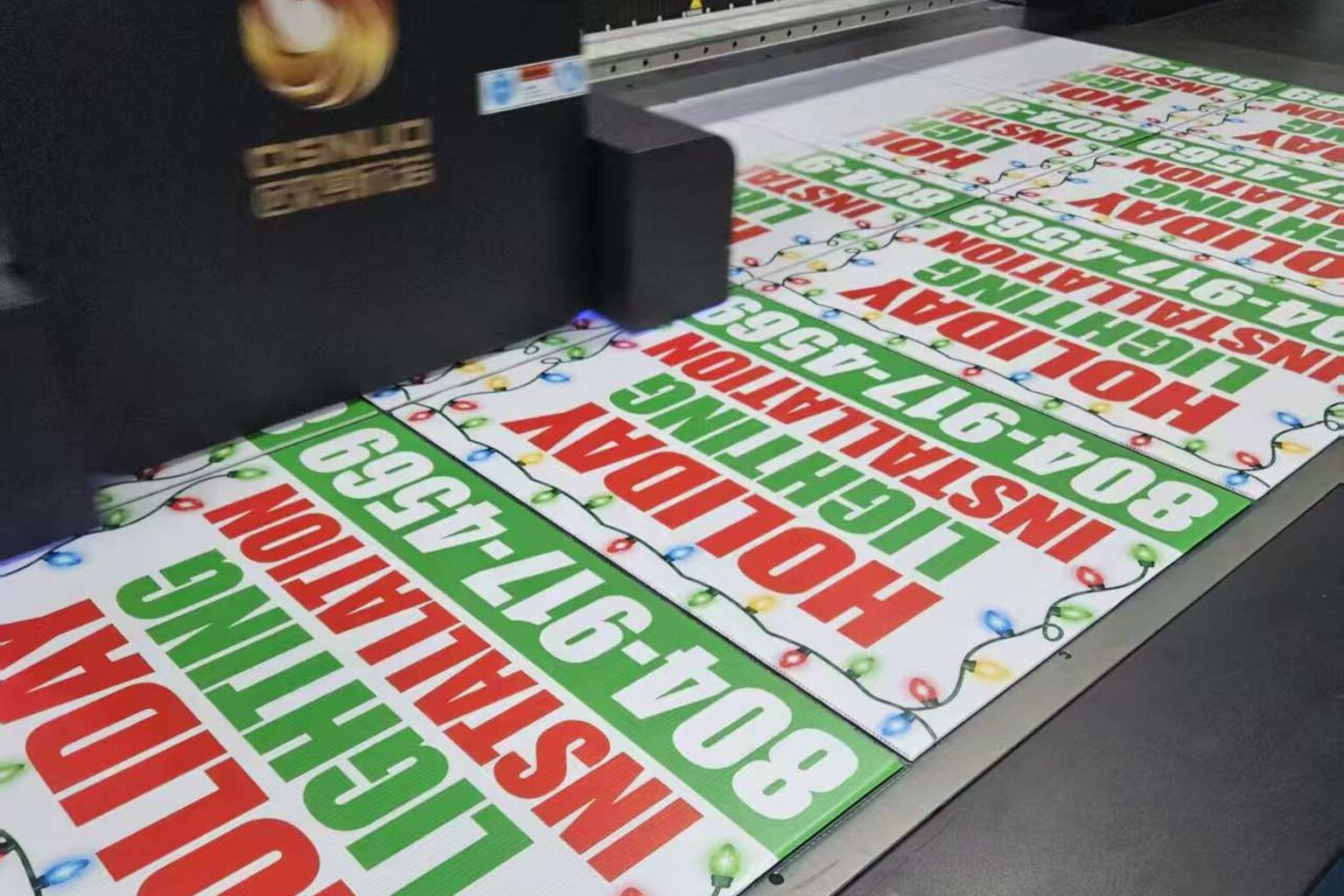
Before the deadline, artwork changes may require only a new proof. After the deadline, the supplier may already have:
- Prepared production files
- Scheduled printing capacity
- Printed part of the order
- Cut finished signs
- Allocated stakes
- Printed carton labels
- Packed completed designs
- Booked freight
A late change can therefore affect more than the artwork.
The production schedule should show:
- Final artwork submission date
- Supplier preflight deadline
- Buyer proof-approval deadline
- Production-lock date
- Printing period
- Inspection date
- Packing completion date
- Shipment cutoff
This allows the buyer to understand when a change is still simple and when it may create additional cost or delay.
Use a Formal Late-Change Process
If a change is requested after production lock, the supplier should provide a written impact statement before proceeding.
The statement should identify:
- Affected SKU
- Current approved revision
- Requested new revision
- Quantity already printed
- Quantity already packed
- Material already committed
- Products that can be reworked
- Products that must be remade
- Added production cost
- Added packing cost
- Added freight cost
- Schedule impact
- Required buyer decision date
Production should change only after an authorized buyer approves the revised cost, quantity, and schedule.
If only one branch changes its artwork, the supplier should isolate the affected SKU without stopping unaffected products unless there is a genuine mixing or scheduling risk.
Prevent Old Artwork from Reaching Production
Approval controls are incomplete if obsolete files remain available in the active production folder.
The supplier should:
- Maintain separate draft and approved folders
- Restrict access to approved production files
- Move superseded files out of the live production area
- Mark obsolete versions clearly
- Prevent uncontrolled local copies
- Record the file transferred to the printing workstation
- Perform line clearance before changing designs
- Reconcile printed quantities by revision
Old artwork may still need to be retained for audit or repeat-order history. Retention is different from production access. Archived files should be controlled so they cannot be printed accidentally.
Control Variable Data and QR Codes
Variable-data orders carry additional risk because one master design may generate many printable versions.
The buyer should provide a controlled data table containing:
- Unique SKU or location code
- Branch name
- Phone number
- Website or landing page
- QR-code destination
- Promotional offer
- Language
- Order quantity
- Packing group
- Delivery destination
The data table should not contain unnecessary personal or confidential information.
Before production, test QR codes using more than one mobile device when possible. Confirm that each code opens the correct secure page, the destination works on mobile, and the buyer controls the landing page.
For long-term programs, a buyer-controlled redirect can reduce the risk of printed QR codes becoming unusable when a campaign page changes.
Prevent Design Mixing During Printing and Packing
Correct artwork approval does not prevent signs from being mixed later in production.
The supplier should connect the SKU and revision to:
- Production job ticket
- Printing workstation
- Work-in-process label
- Inspection record
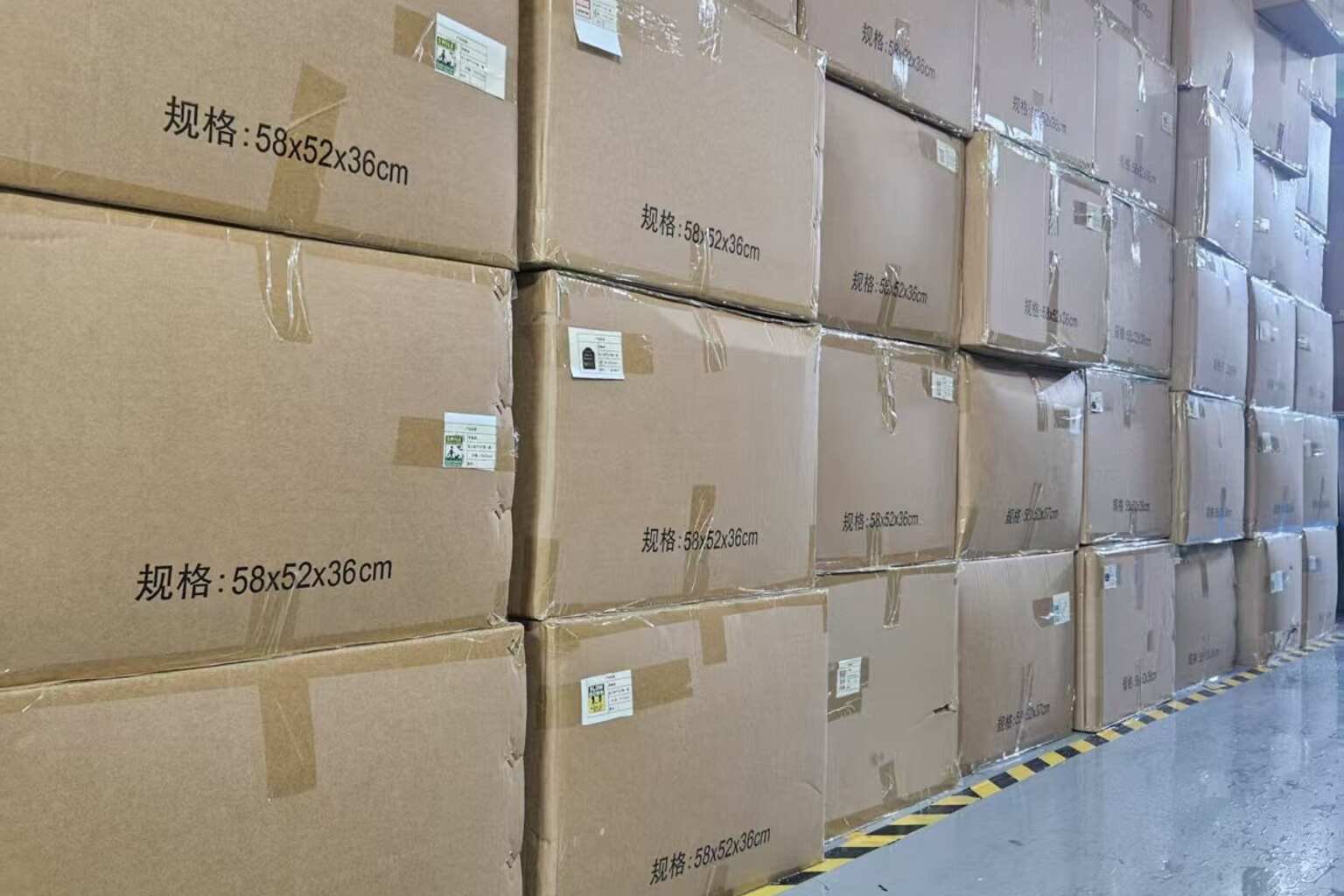
- Bundle label
- Carton label
- Packing list
- Destination schedule
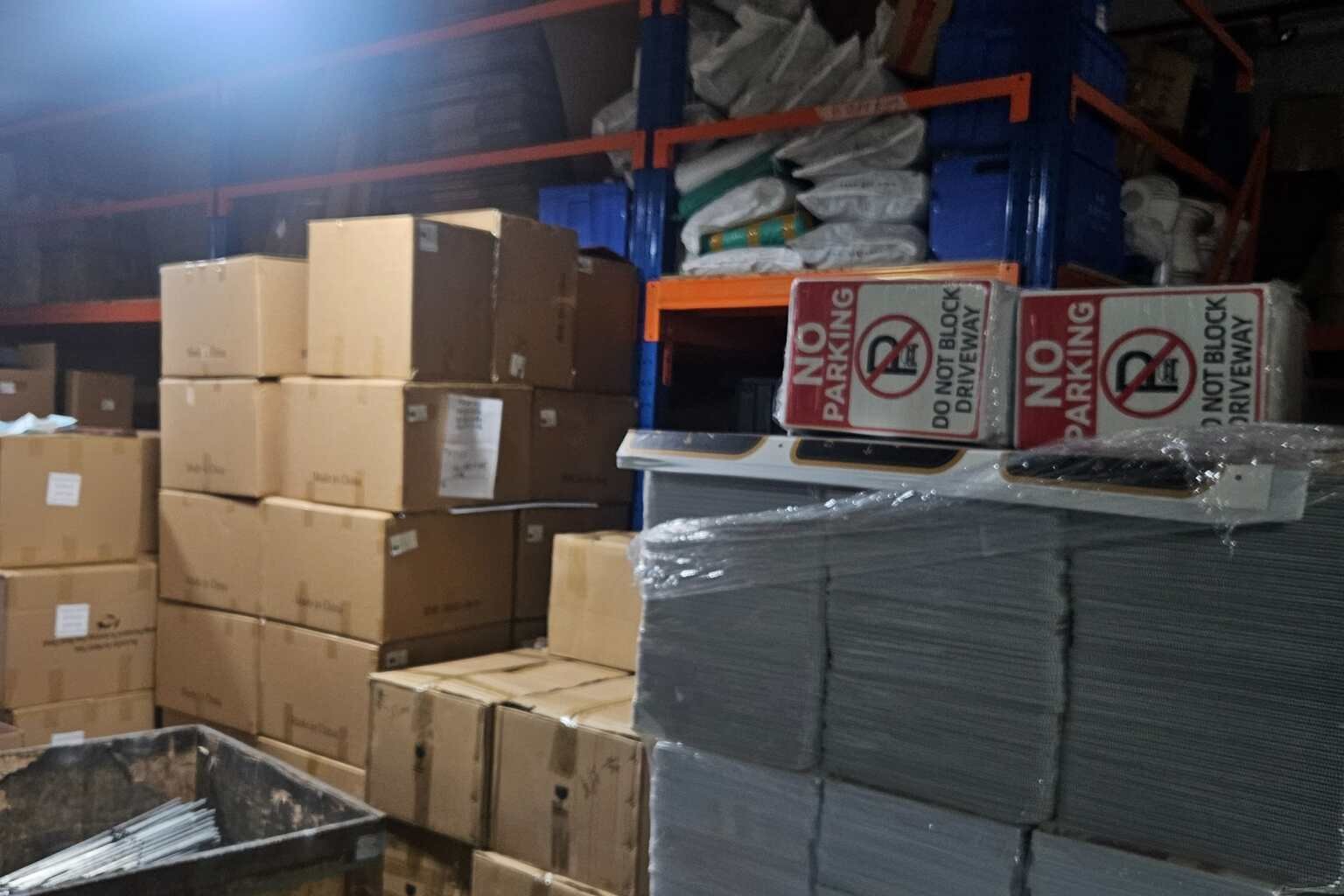
Different designs should be separated physically during printing, cutting, inspection, and packing.
Before starting the next design, the production area should be cleared of signs, labels, samples, and paperwork from the previous SKU.
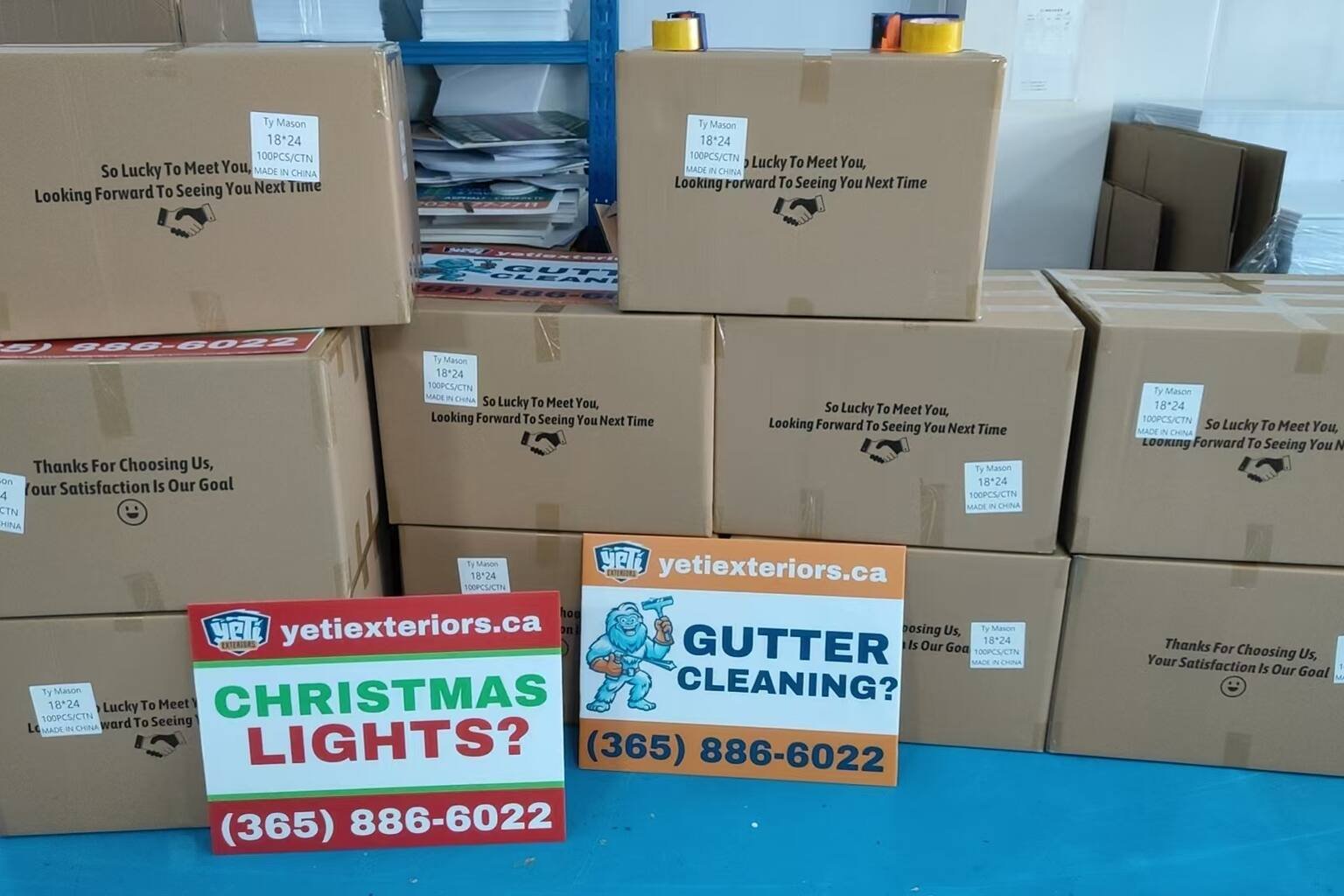
For complicated programs, the supplier can photograph the finished sign, bundle label, and carton label together. This creates traceable evidence that the correct revision was packed into the correct carton.
Reconcile Quantities by SKU and Destination
The supplier should not verify only the total order quantity.
For example, a purchase order for 10,000 signs may still be incorrect if the total quantity is correct but 500 signs intended for one branch were printed with another branch’s information.
The final reconciliation should compare:
- Ordered quantity by SKU
- Approved artwork revision
- Good quantity produced
- Rejected quantity
- Approved overrun or underrun
- Quantity packed
- Carton numbers
- Destination quantity
Any discrepancy should be resolved before the shipment is released.
For additional planning, review how to manage multiple yard sign designs in one bulk order.
Multi-SKU Artwork Control Checklist
| Control Point | Required Action | Evidence |
|---|---|---|
| Artwork identity | Assign a unique SKU, file name, and revision number. | Artwork register and controlled file link. |
| Technical preflight | Check dimensions, bleed, fonts, images, color mode, and print orientation. | Preflight record and supplier proof. |
| Buyer approval | Verify brand, local information, dates, offers, legal text, and destinations. | Named approval connected to the exact revision. |
| Production lock | Freeze approved files and quantities by the agreed deadline. | Final released artwork register. |
| Late change | Identify affected work, added cost, and schedule impact. | Authorized change order. |
| Packing control | Match signs, bundles, cartons, and destinations by SKU and revision. | Packing record and labeled-carton evidence. |
How iYardSign Supports Multi-SKU Orders
iYardSign is a China-based custom yard sign manufacturer supporting multi-design and multi-location orders for franchises, distributors, real estate groups, home service businesses, events, campaigns, and reseller programs.
Buyers can discuss:
- Artwork file review
- Design and revision schedules
- Digital proof preparation
- Multiple designs in one purchase order
- Variable branch information
- Left- and right-facing designs
- Single-sided and double-sided versions
- SKU-based production control
- Design-based packing
- Custom carton labels
- Multi-location delivery planning
- Repeat-order artwork records
For an accurate order setup, send one organized schedule connecting every artwork file to its revision, finished size, quantity, stake requirement, packing instruction, and destination.
Buyers can also review how to communicate yard sign requirements to a China manufacturer.
Frequently Asked Questions
What is the safest way to name yard sign artwork files?
Use a structured file name containing the customer or campaign code, location or SKU, sign size, printing orientation, and revision number. Avoid generic names such as “final” or “latest.”
Can email approval be used for yard sign artwork?
Email can provide approval evidence, but the message should identify the exact file, revision, quantity, and production scope. A controlled artwork register is safer for orders containing many designs.
What happens if artwork changes after production begins?
The supplier should identify the affected SKU, completed quantity, work in progress, material already committed, rework options, additional cost, and schedule impact. Production should change only after an authorized change order is approved.
Should every branch approve its own yard sign?
Not necessarily. The buyer should define a controlled approval structure. A central brand team may approve the design while an authorized local or operations team verifies branch-specific information.
How can buyers prevent old artwork from being printed again?
Keep superseded files out of the active production folder, restrict access to released files, use clear revision numbers, record which file reached the printing workstation, and verify the revision during production and packing.
How should multiple designs be packed?
Pack according to the distribution plan. Each bundle and carton should identify the SKU, revision, quantity, and destination. Different designs should be separated unless the buyer has approved a clearly labeled mixed-carton arrangement.
Planning a Multi-SKU Yard Sign Order?
Send the artwork files, revision schedule, sign dimensions, quantities, branch information, stake requirements, packing instructions, delivery destinations, and required production date.
iYardSign can help organize the artwork proofs, SKU schedule, production requirements, design-based packing, and bulk delivery plan for your order.