How to Prepare Print-Ready Artwork for Custom Yard Signs

How to Prepare Print-Ready Artwork for Custom Yard Signs
One of the most common problems in custom yard sign orders is not the printing machine, the material, or the stakes. It is the artwork file.
A customer may have a great design on screen, but if the file is too small, missing bleed, low resolution, or using the wrong color setup, the finished yard signs may not look as expected. For bulk orders, this can become expensive because one small artwork mistake may affect hundreds or thousands of signs.
At iYardSign, we work with overseas customers who order custom yard signs for real estate, local businesses, campaigns, events, schools, churches, and distributors. This guide explains how to prepare print-ready artwork so your yard signs can be produced more smoothly and accurately.
Why Artwork Preparation Matters
Custom yard signs are usually viewed from a distance. That means the design needs to be simple, readable, and correctly prepared for printing. A file that looks acceptable on a phone or laptop may not be good enough for large-format printing.
Poor artwork preparation can cause several problems:
- Blurry logos or photos
- Text that is too small to read outdoors
- Important content cut off near the edge
- Wrong colors compared with the original design
- Missing fonts or changed text style
- Low-quality images in printed signs
- Production delays while files are corrected
If your yard signs are needed for a campaign, event, listing, sale, or store promotion, artwork issues can delay the whole order. Preparing files correctly from the start saves time.
Use the Correct Yard Sign Size
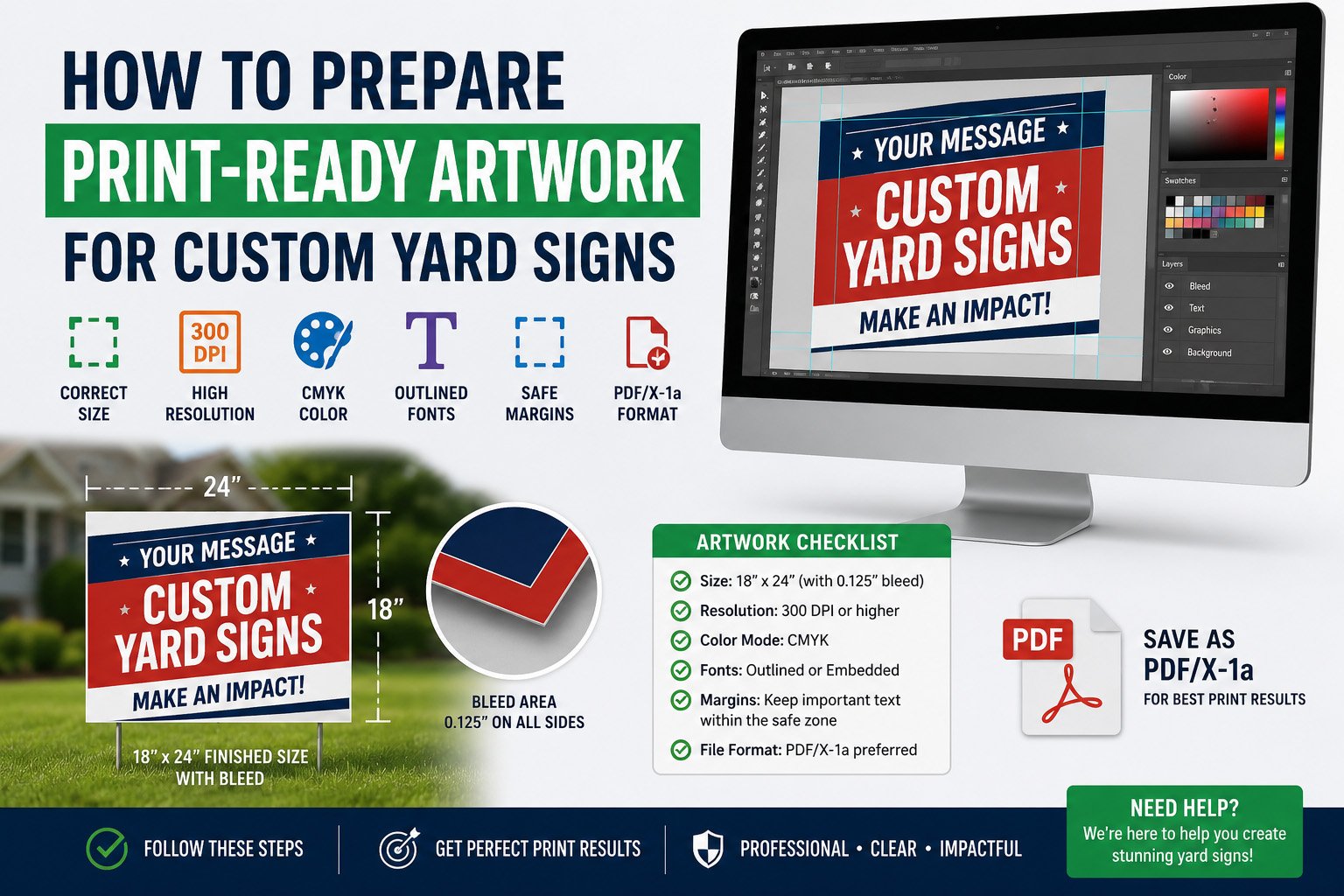
Before designing your artwork, confirm the final printed size. Common yard sign sizes include 18 x 24 inches, 24 x 18 inches, 24 x 36 inches, and custom sizes. The artwork should match the final size or be created in the correct proportion.
For example, if you need an 18 x 24 inch sign, the design should be set up for that size, not simply copied from a small social media graphic. Stretching a small image to fit a larger sign can make the final print blurry.
If you are not sure which size is best, check where the signs will be used. Real estate signs, political campaign signs, business promotion signs, and event direction signs may need different sizes depending on viewing distance.
Add Bleed to Avoid Cut-Off Edges
Bleed is the extra artwork area that extends beyond the final trim size. It helps prevent white edges or cut-off backgrounds after cutting.
For most custom yard signs, adding a small bleed area around the design is recommended. Background colors, images, or patterns should extend into the bleed area. Important text, logos, phone numbers, QR codes, and addresses should stay inside the safe area.
A simple rule is this: background can go near the edge, but important information should not.
Keep Text Large and Easy to Read
Yard signs are not brochures. People often see them while walking, driving, or passing by quickly. If the text is too small, the sign may look nice up close but fail outdoors.
For better readability, keep the message short and clear. Use large text for the main message, such as:
- FOR SALE
- OPEN HOUSE
- LAWN CARE
- HOUSE CLEANING
- GRAND OPENING
- VOTE TODAY
- PARKING
Then use smaller text for supporting details such as phone numbers, websites, service areas, or dates. Avoid putting too much information on one sign. A crowded yard sign is harder to read and often performs worse.
Use High-Resolution Logos and Images
Low-resolution images are one of the biggest reasons printed signs look unprofessional. A logo copied from a website, email signature, or social media page may be too small for printing.
Whenever possible, use vector files for logos. Common formats include AI, EPS, PDF, or SVG. For photos or image-based artwork, use high-resolution files. Avoid screenshots if you want a clean printed result.
If you only have a low-quality logo, ask your supplier before placing a bulk order. A good factory can review the file and tell you whether it is suitable for printing.
Convert or Outline Fonts Before Sending Files
If your artwork uses special fonts, the font may change when the file is opened on another computer. This can affect spacing, line breaks, or the overall look of the design.
To avoid this issue, convert fonts to outlines before sending the final artwork. If you are sending editable files, include the font files or confirm that the text style will be preserved.
For buyers who are not designers, sending a high-quality PDF is often the easiest option. The supplier can check whether the file is ready for production.
Check Color Expectations Before Printing
Colors on screen and colors in print may not look exactly the same. Screens use light, while printed signs use ink. Different monitors can also show colors differently.
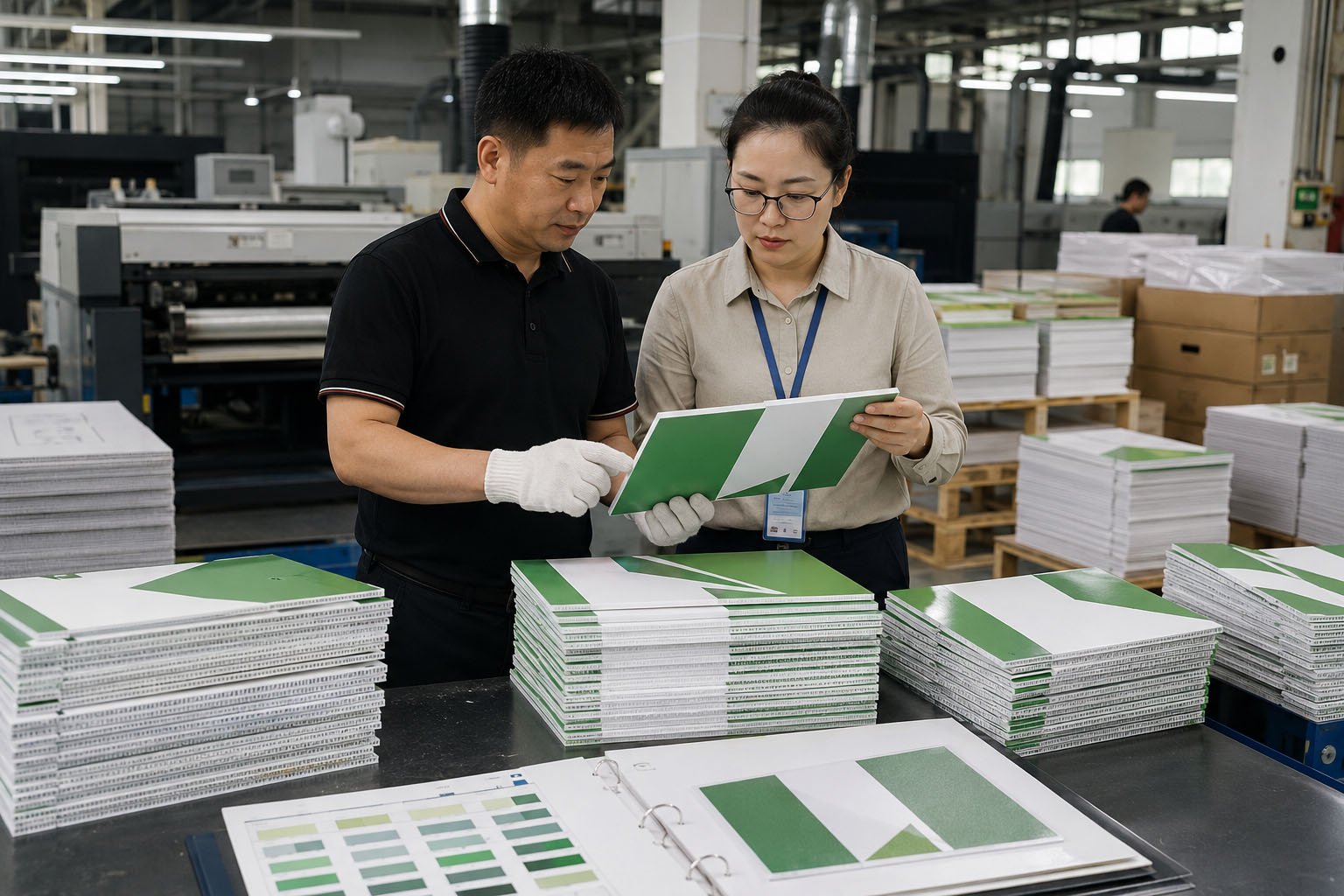
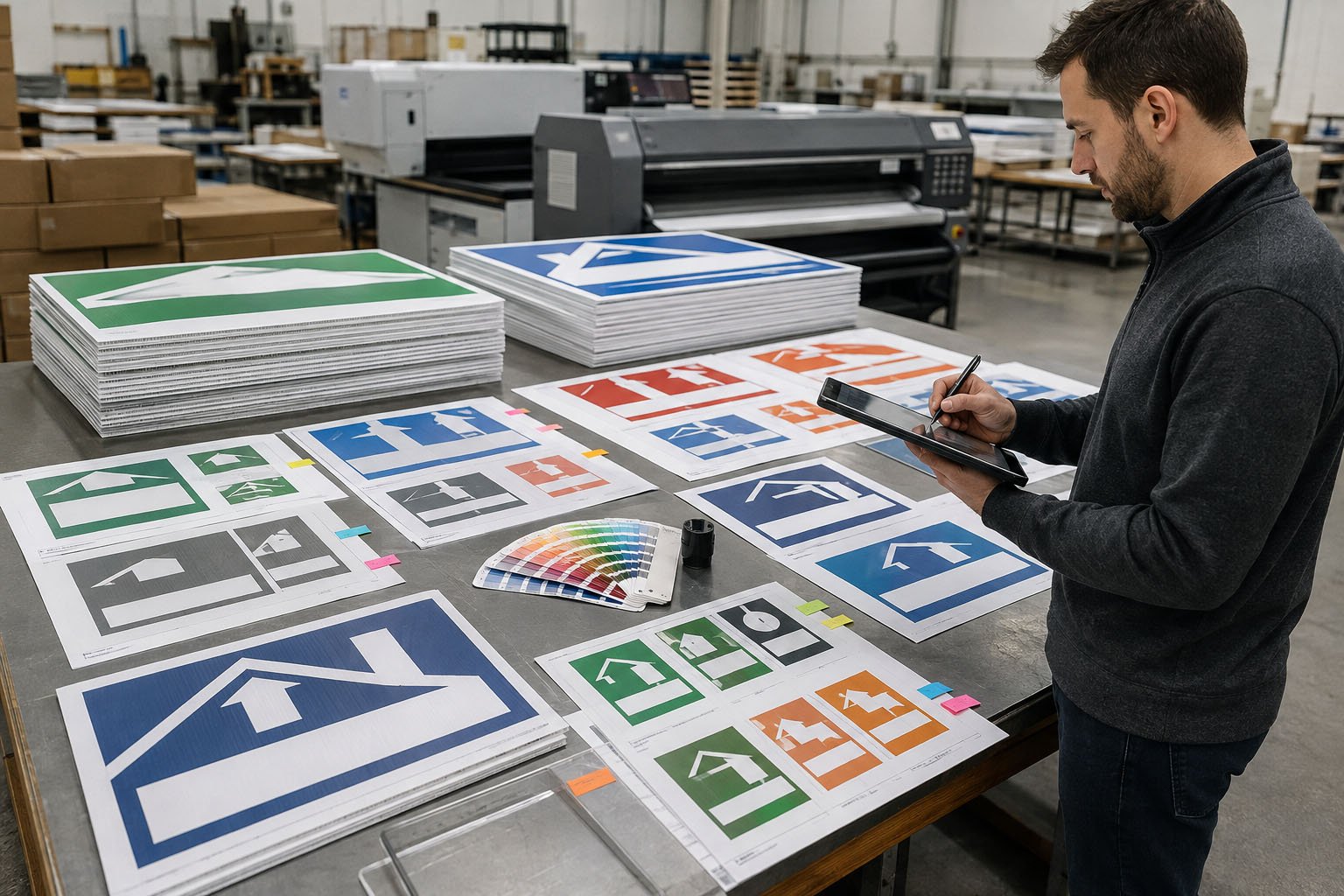
If your brand color is important, provide a Pantone color reference or clear brand guideline when possible. For general yard sign orders, a digital proof can help confirm layout and color direction before production.
It is also important to remember that outdoor signs are viewed in natural light. Very light colors, thin lines, or low-contrast text may not be visible from a distance.
Confirm Single-Sided or Double-Sided Artwork
Many yard signs are printed double-sided, especially for real estate, campaign, business, and directional signs. If your order is double-sided, confirm whether both sides use the same design or different designs.
For directional signs, arrows are especially important. An arrow that points correctly on one side may point the wrong way if the second side is not prepared properly.
Before production, check:
- Is the sign single-sided or double-sided?
- Are both sides the same design?
- Do arrows point in the correct direction?
- Is the orientation horizontal or vertical?
- Does the design match the flute direction if H-stakes are used?
Do Not Forget H-Stake Direction
For corrugated plastic yard signs, H-stakes usually insert into the flutes of the material. This means the flute direction matters. If the sign is designed in the wrong orientation or the production setup is not checked, installation can become inconvenient.
For most standard 18 x 24 inch yard signs, the flutes should run vertically so the H-stakes can slide into the sign from the bottom. If your sign has a custom size or special orientation, confirm this with the factory before printing.
Always Review the Proof Carefully
A production proof is not just a formality. It is your chance to catch mistakes before printing begins.
When reviewing a proof, check:
- Spelling and phone numbers
- Website and email address
- Logo placement
- QR code readability
- Colors and contrast
- Bleed and safe area
- Single-sided or double-sided setup
- Quantity and design version
If several people need to approve the design, finish that approval before sending final confirmation to the factory. Changing artwork after production starts may cause delays or extra cost.
Common File Types for Custom Yard Sign Printing
Different factories may accept different file formats, but the most common options include:
- PDF: Good for print-ready artwork and proof review.
- AI or EPS: Good for vector logos and editable designs.
- PSD: Useful for layered image files, if prepared correctly.
- PNG or JPG: Acceptable only when high resolution and correct size.
If you are not sure which file to send, provide the best version you have. At iYardSign, we can review your artwork and let you know if anything needs adjustment before production.
Artwork Checklist Before Ordering Yard Signs
Before placing a custom yard sign order, use this checklist:
- Final sign size confirmed
- Artwork set up in the correct proportion
- Bleed added around the edges
- Important text kept inside the safe area
- Logo and images are high resolution
- Fonts are outlined or included
- Colors and contrast checked
- Single-sided or double-sided printing confirmed
- Arrow direction checked if needed
- H-stake flute direction confirmed
- Proof reviewed before production
Get Your Yard Sign Artwork Checked Before Production
Good artwork preparation helps your custom yard signs look cleaner, print faster, and avoid costly mistakes. Whether you are ordering 100 signs for a local business or a larger bulk order for multiple locations, the file setup matters.
iYardSign helps customers review artwork, confirm print details, and prepare custom yard signs for production. If you already have a design, send us your file, size, quantity, and installation requirement. We will help check whether your artwork is ready for printing.
Need help with custom yard sign artwork? Send your file to iYardSign for a free review and quote.