QR Code Yard Signs: How to Keep Signs Scannable

QR Code Yard Signs: How to Keep Signs Easy to Scan
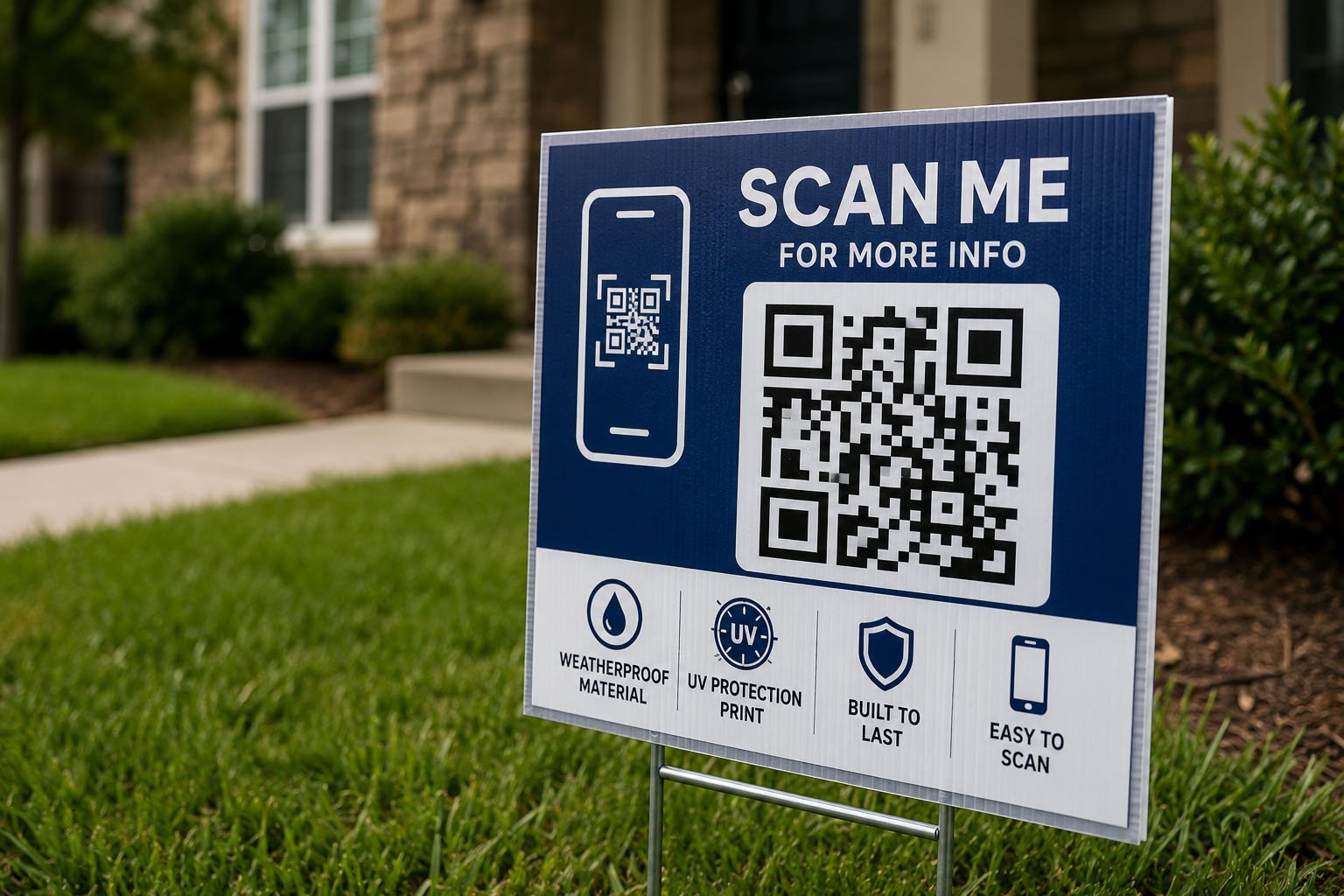
QR codes can turn a printed yard sign into a direct path to a quote form, property listing, event registration page, promotion, or contact page. However, adding a QR code does not automatically make a yard sign more effective.
If the code is too small, too close to the edge, surrounded by busy graphics, printed with weak contrast, or connected to a slow mobile page, customers may not be able to use it. In some cases, the QR code also takes attention away from the company name or the main message.
This guide explains how to create QR code yard signs that remain readable, scannable, and useful in real outdoor environments.
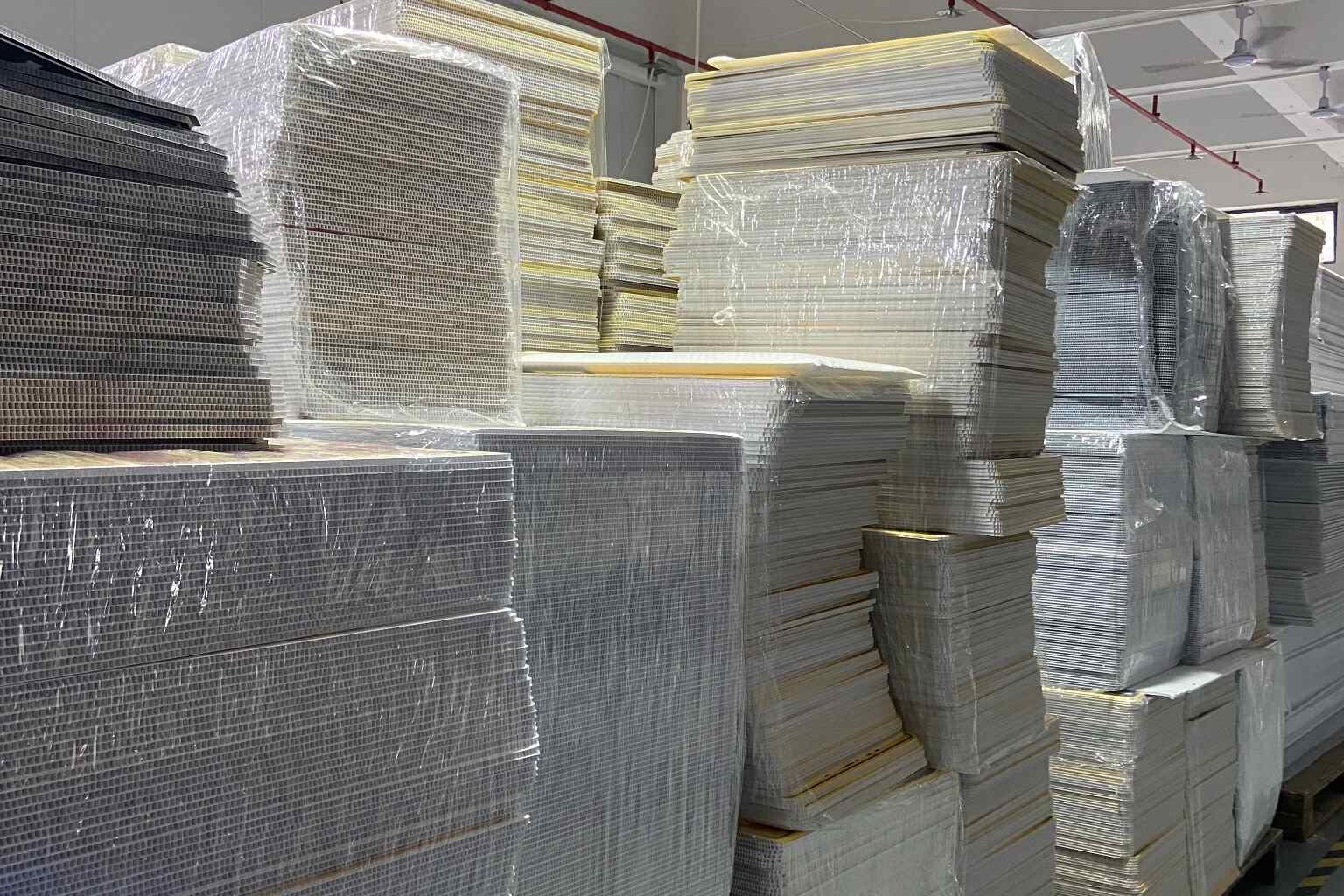
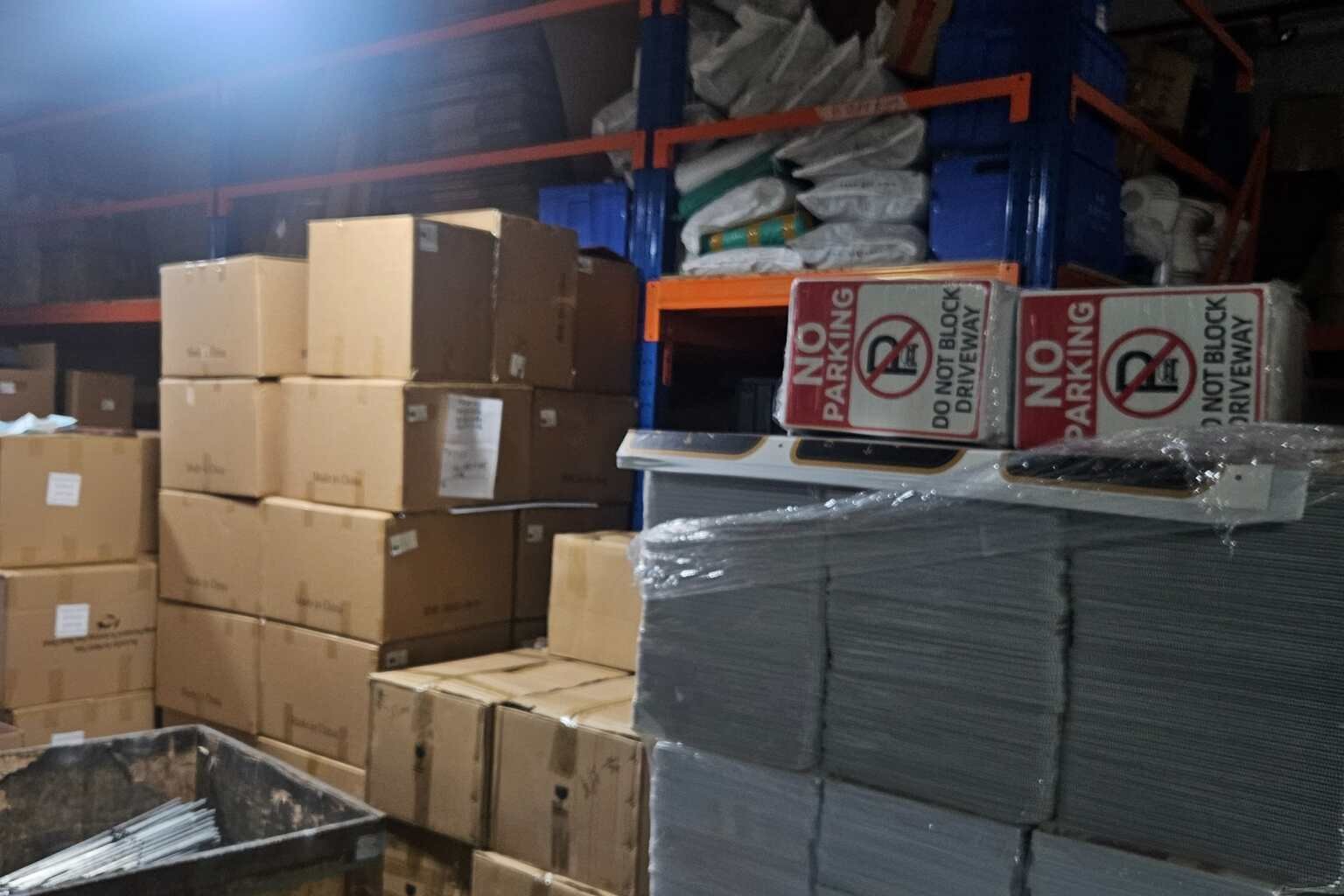
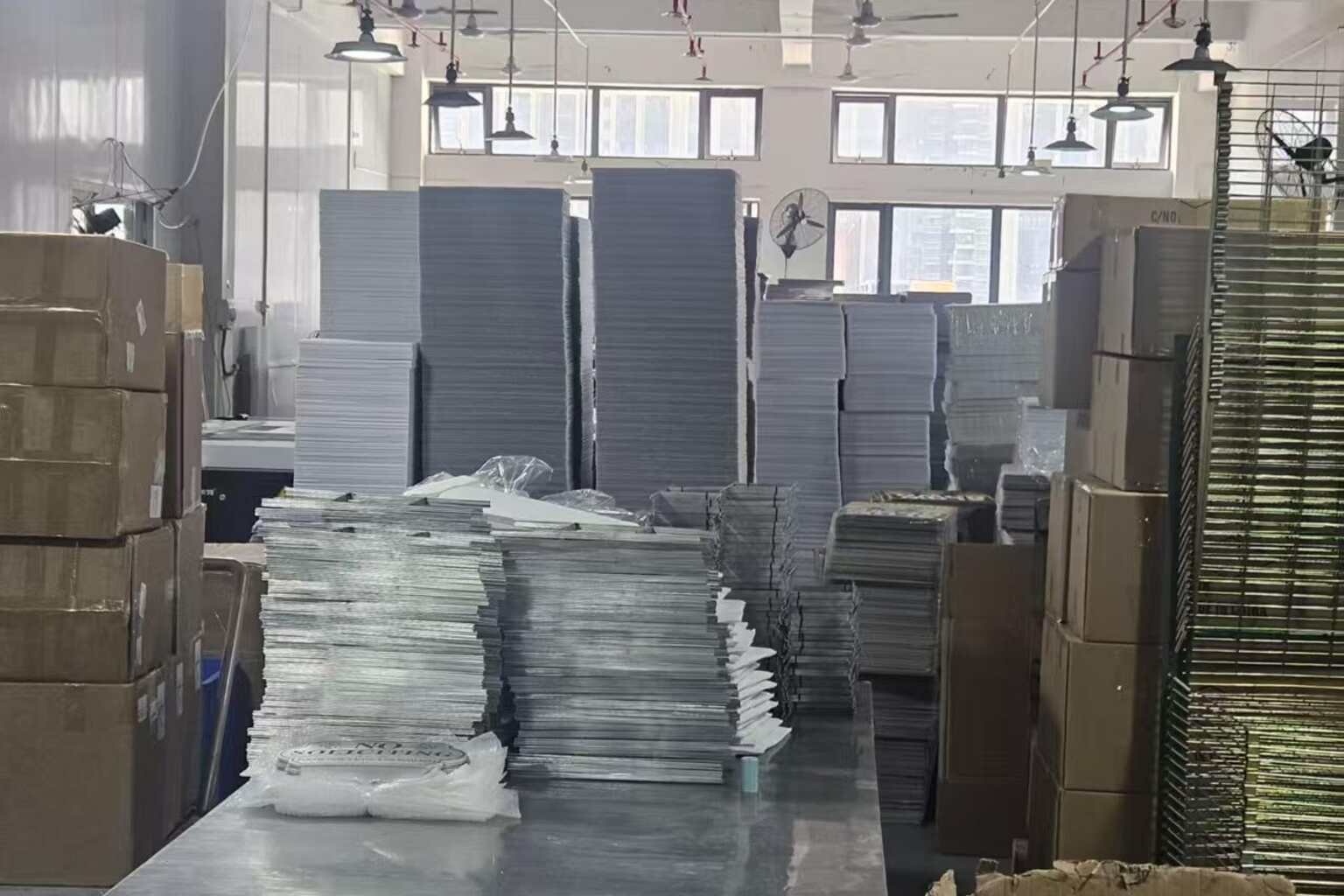
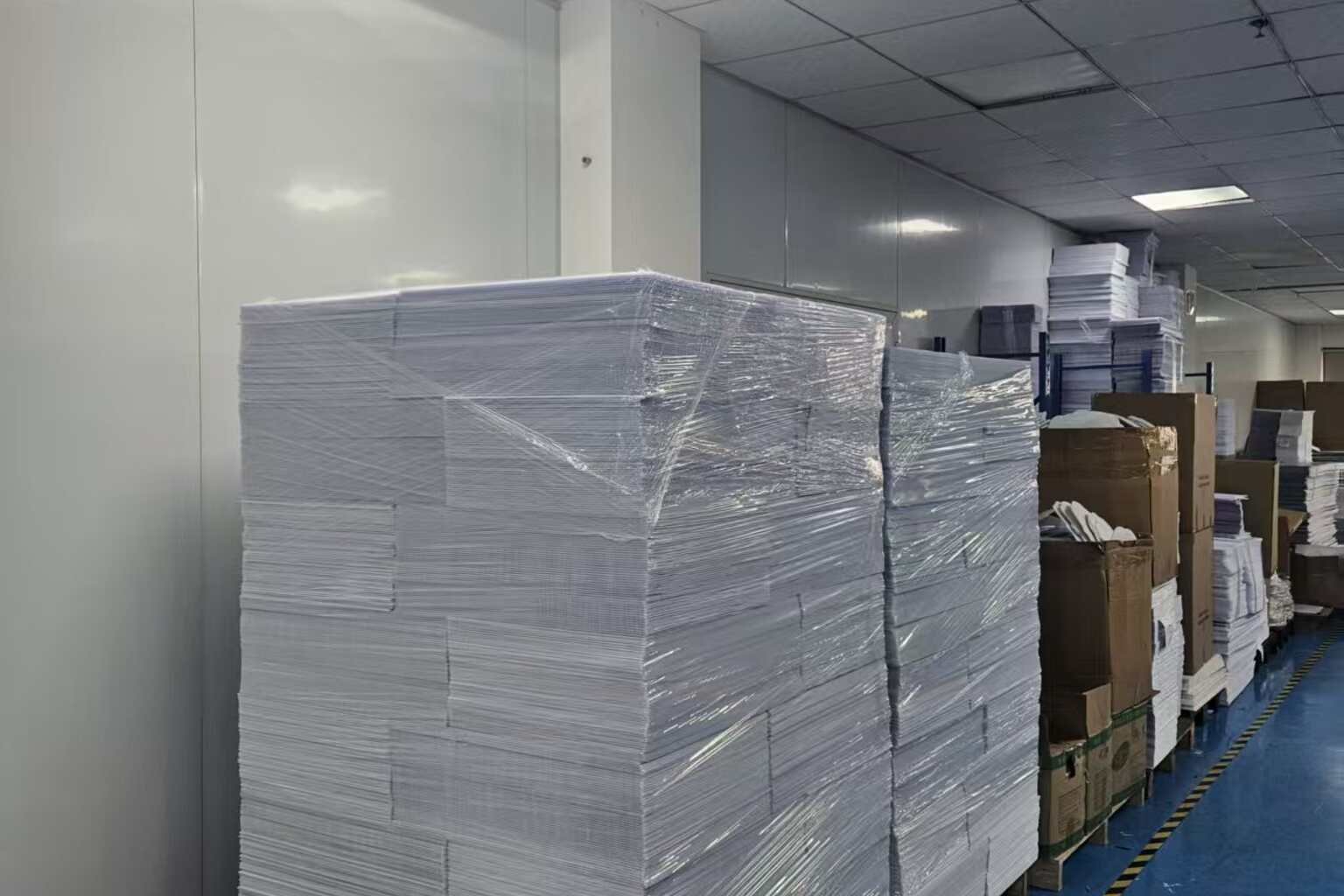
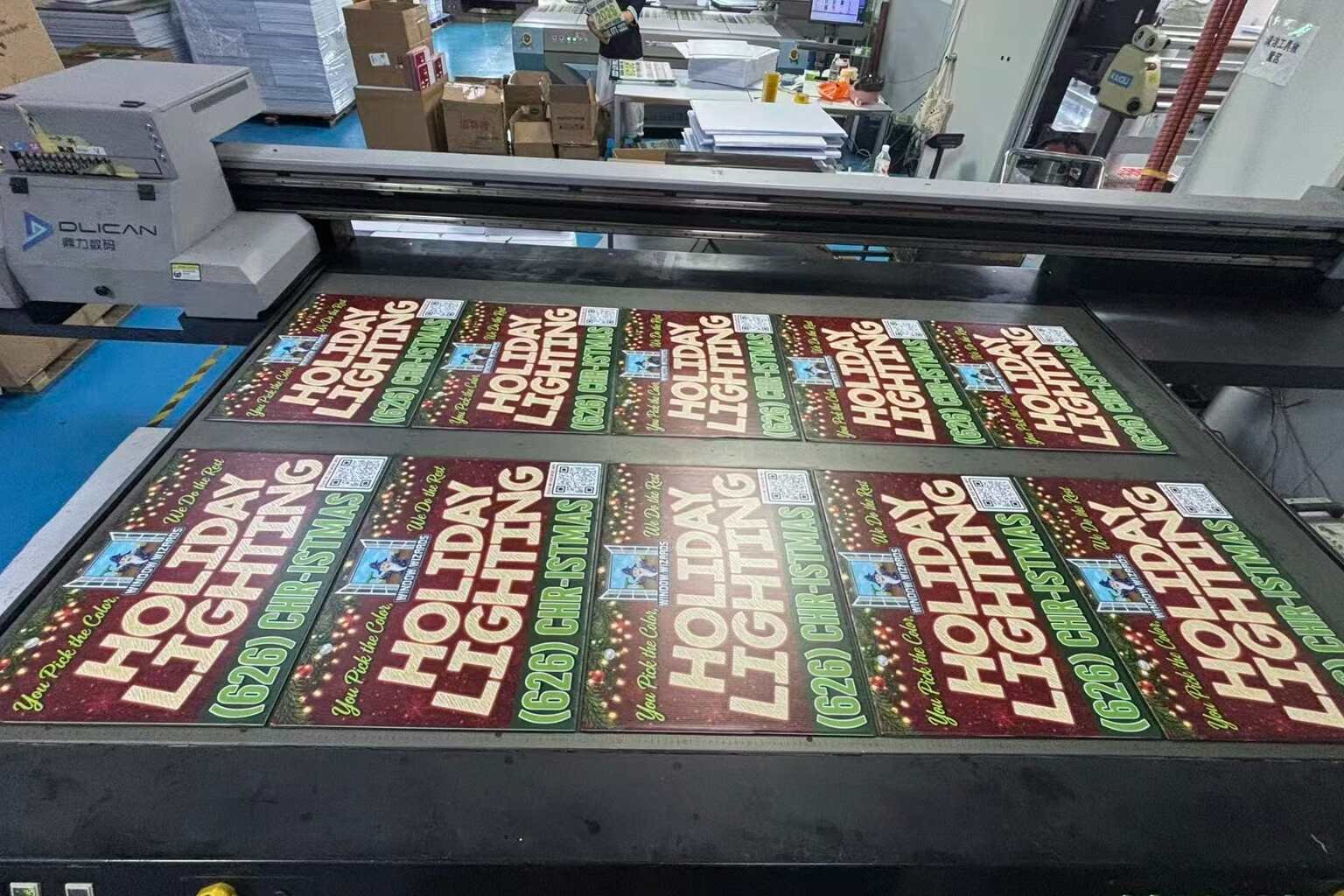
iYardSign supports bulk custom yard signs, corrugated plastic printing, H-stakes, multiple designs, artwork review, packaging coordination, and international production for businesses, distributors, agencies, print shops, and brands.
Quick Answer: What Makes a QR Code Yard Sign Work?
A QR code yard sign should have enough size, contrast, clear space, and testing to work at the intended viewing distance. The sign should also include a short instruction, such as “Scan for a Free Quote” or “Scan to View Homes.”
The QR code should support the main message, not replace it. A viewer should still understand who the business is and what service it provides even if they do not scan the code.
A practical QR code sign needs five things:
- A clear call to action
- Sufficient QR code size
- Strong contrast
- Clean space around the code
- Testing on the final printed sign
1. Decide What the QR Code Should Do
A QR code is most useful when it leads to one specific action. Sending visitors to a general homepage may work, but a focused landing page often produces a clearer customer experience.
Common destinations include:
- A free quote request form
- A contractor booking page
- A real estate listing or open house page
- An event registration page
- A coupon or seasonal promotion
- A product catalog
- A WhatsApp or contact page
- A before-and-after project gallery
The destination should match the sign’s message. A yard sign that says “Get a Free Roof Inspection” should not send viewers to a page where they must search through several unrelated services.
The QR code destination should also be tested on a mobile phone because most people will scan the sign outdoors using a mobile device.
2. Use a Short and Specific Call to Action
Many businesses place a QR code on a sign without telling people what will happen after scanning it. A short instruction can significantly improve the chance that someone will use the code.
Useful examples include:
- Scan for a Free Quote
- Scan to Book Service
- Scan to See Available Homes
- Scan for Event Details
- Scan to View Our Work
- Scan for a Local Discount
Avoid vague wording such as “Learn More” when the actual benefit is more specific. A clear instruction helps the viewer decide whether scanning is worth the effort.
Keep the call to action close to the QR code, but do not place text or design elements inside the code’s clear surrounding area.
3. Choose a Practical QR Code Size
There is no single QR code size that works for every yard sign. The correct size depends on viewing distance, camera quality, lighting, code complexity, and the final printed surface.
As a practical starting point:
| Viewing Situation | Practical Design Approach |
|---|---|
| Close viewing at a property | A moderately sized code may work if the print is sharp and contrast is strong. |
| Residential street viewing | Use a larger code and a short message so people can understand it quickly. |
| Roadside or vehicle viewing | Do not rely on scanning from a moving vehicle; prioritize brand recognition and phone contact. |
| Event entrance or queue area | A larger code can work because viewers have more time to stop and scan. |
The final code should be tested at the actual expected distance using the printed sign, not only a digital design file. A code that scans easily on a computer screen may behave differently after being printed and viewed outdoors.
4. Protect the QR Code’s Clear Space
A QR code needs a clean border around it. This empty area helps scanning software distinguish the code from nearby graphics, lines, text, and background patterns.
Do not place the code directly against:
- A colored border
- A busy photograph
- A logo or illustration
- Small text
- A dark background with weak contrast
- The edge of the sign
A white or very light area around a dark QR code is usually the easiest layout to read. If the brand requires a colored background, the contrast should be checked carefully and tested on the final printed material.
5. Use Strong Contrast and Avoid Decorative Effects
The traditional black-on-white QR code is often the safest option for outdoor signs. Brand colors can be used, but decorative treatments can reduce scan reliability.
Use caution with:
- Low-contrast color combinations
- Gradients behind the code
- Transparent QR codes
- Heavy shadows or glows
- Very thin code modules
- Distorted or stretched codes
- Photographic backgrounds
The QR code should remain a functional element rather than a decorative logo. A simple, high-contrast code is usually more useful than a visually customized code that fails when scanned in sunlight or from an angle.
6. Keep the Main Message Visible Without Scanning
A yard sign may be viewed for only a few seconds. Some people will not stop, some will not have their phone ready, and some may not want to scan anything. The sign must still work for those viewers.
The main sign should communicate:
- Who the business is
- What service or offer is available
- How to make contact
For a contractor, this might mean a large company name, a clear service category, and a phone number. For a real estate sign, it may mean the agent name, property status, and contact information. The QR code can provide additional detail without carrying the entire communication burden.
For more ideas about readable contractor sign layouts, review the
contractor yard sign selection guide.
7. Use a Mobile-Friendly Landing Page
A successful scan is only the first step. If the landing page loads slowly, uses tiny text, or requires too many clicks, the visitor may leave immediately.
Before printing the signs, check that the destination page:
- Loads quickly on a mobile connection
- Uses readable text and buttons
- Explains the offer in the first screen
- Contains a simple contact or inquiry action
- Works without requiring an account
- Uses the correct language and service area
- Remains active for the entire campaign
Avoid printing a QR code that points to a temporary page unless the destination can be updated later. A dynamic redirect or controlled landing page may be more practical for long-running campaigns because the destination can be changed without replacing every sign.
8. Test the Code on the Actual Printed Sign
Testing should happen at several stages:
- Test the original QR code file before placing it in the artwork.
- Test the completed digital proof at normal viewing size.
- Test the physical sample from different distances.
- Test the printed surface under indoor and outdoor lighting.
- Test multiple phones and scanning applications.
- Test again after packaging or finishing if the surface changes.
Also check whether the code still works when the sign is slightly tilted, viewed from the side, or placed near grass and landscaping. Outdoor signs are rarely viewed under perfectly controlled conditions.
If the code is difficult to scan, increase its size, simplify the destination URL, improve contrast, remove nearby graphics, or reduce the amount of information encoded in the code.
9. Prepare QR Code Artwork Correctly for Printing
The QR code should be supplied in a format that remains sharp during production. A low-resolution screenshot may appear acceptable in a small digital preview but become unclear when enlarged or printed.
Before sending artwork to a factory, confirm:
- The QR code is not stretched or compressed
- The code has clear space around it
- The final size is suitable for the viewing distance
- The destination URL has been tested
- The code has strong contrast with its background
- Important sign text remains readable
- The artwork includes the correct bleed and safe margins
The
custom yard sign artwork preparation guide
can help buyers organize files before requesting a quotation or sample.
10. Consider Whether the Sign Needs One or Two Printed Sides
A double-sided sign may be useful when people can approach from two directions or when the sign is installed beside a walkway. However, a second printed side does not automatically improve QR code performance.
Before choosing double-sided printing, consider:
- Whether viewers can see both sides
- Whether each side needs a different QR destination
- Whether the sign may rotate in windy conditions
- Whether the second side increases cost without adding value
- Whether the same contact information should appear on both sides
For a broader comparison, read the
double-sided yard sign buying guide.
Common QR Code Yard Sign Mistakes
The following mistakes appear frequently in custom QR code sign projects:
- Using a code that is too small for the viewing distance
- Placing the code over a photograph or textured background
- Removing the clear border around the code
- Printing a code with weak color contrast
- Forgetting to test the physical sample
- Sending visitors to a slow or outdated webpage
- Using the QR code as the only contact method
- Changing the destination without checking the printed signs
These problems are usually easy to prevent when the QR code is treated as part of the production specification rather than added at the last moment.
How iYardSign Supports Custom QR Code Yard Sign Orders
iYardSign can work with buyers who need QR codes, logos, service information, campaign messages, or promotional content printed on corrugated plastic yard signs. Buyers should provide the final artwork, finished size, quantity, printing sides, stake requirements, packaging details, and delivery destination.
For a new QR code project, the
iYardSign custom sign service
can help buyers prepare the required project information.
The buyer should approve the final artwork and, when scan performance is important, request a physical sample before mass production. This is especially useful for roadside signs, event signs, multi-location campaigns, and large bulk orders.
Frequently Asked Questions
What is the best QR code color for a yard sign?
A dark QR code on a light, clean background is usually the safest starting point. Brand colors can be considered if the contrast remains strong and the final printed sign is tested before mass production.
How large should a QR code be on a yard sign?
The correct size depends on viewing distance, lighting, code complexity, and camera conditions. A larger code is generally safer for outdoor signs, but it should be tested on the final printed material rather than selected only from a digital preview.
Should a QR code replace the phone number on a yard sign?
Usually no. A phone number gives people an immediate alternative if they do not want to scan the code. The QR code should provide an additional path to information, booking, or a quote.
Can QR codes be printed on corrugated plastic yard signs?
Yes. QR codes can be printed on corrugated plastic signs when the artwork has sufficient size, contrast, clear space, and print clarity. Physical testing is recommended for projects where scan performance is important.
What should buyers send a factory for a QR code sign quotation?
Send the final QR destination, artwork file, finished sign size, quantity, printing sides, material preference, H-stake requirement, packaging needs, and delivery location. These details help the factory review the project more accurately.
Need Custom Yard Signs with QR Codes?
Send iYardSign your QR code destination, artwork, sign size, quantity, H-stake requirements, and delivery location. We can review the project for custom bulk production.